How data centers work comes down to power, cooling, network connectivity and security, with a tier rating summarising how well the building tolerates failure. Your first decision is how much downtime your hosting can absorb, because that determines the tier worth paying for.
The sections below follow the order in which a hosting buyer usually weighs a facility. Where a topic has its own deeper guide, the link sits in the section where it matters.
Decide what failure costs you first
A data center matters to a hosting buyer because of what it does to uptime. The most useful way to read any facility is to start from your own tolerance for interruption and work backwards. A personal project, a customer-facing store and a database that other systems depend on call for different buildings. A higher-rated building only makes sense once you know which category you are in.
Use these criteria to set your order of attention. Each is developed in a section below.
- Downtime tolerance. This decides which tier rating to look for. The Uptime Institute tier system is the most common shorthand, and the final main section sets out what each tier means in annual downtime.
- Power resilience. Check how the building rides through a utility failure. Batteries and generators play different parts, and a good description names both.
- Cooling and humidity. Heat and moisture both threaten equipment, so the cooling approach deserves as much scrutiny as the electrical design.
- Location and connectivity. Where the facility sits and which networks reach it shape how quickly your visitors get responses.
- Security and fire protection. Access controls and fire suppression protect hardware you will probably never see in person.
- Ownership model. Owning your servers in colocation and consuming a hosting plan built on a provider’s hardware lead to different evaluation questions.
When you reach the stage of comparing named facilities, a data center evaluation checklist turns these criteria into concrete questions for a provider.
What a data center is, physically
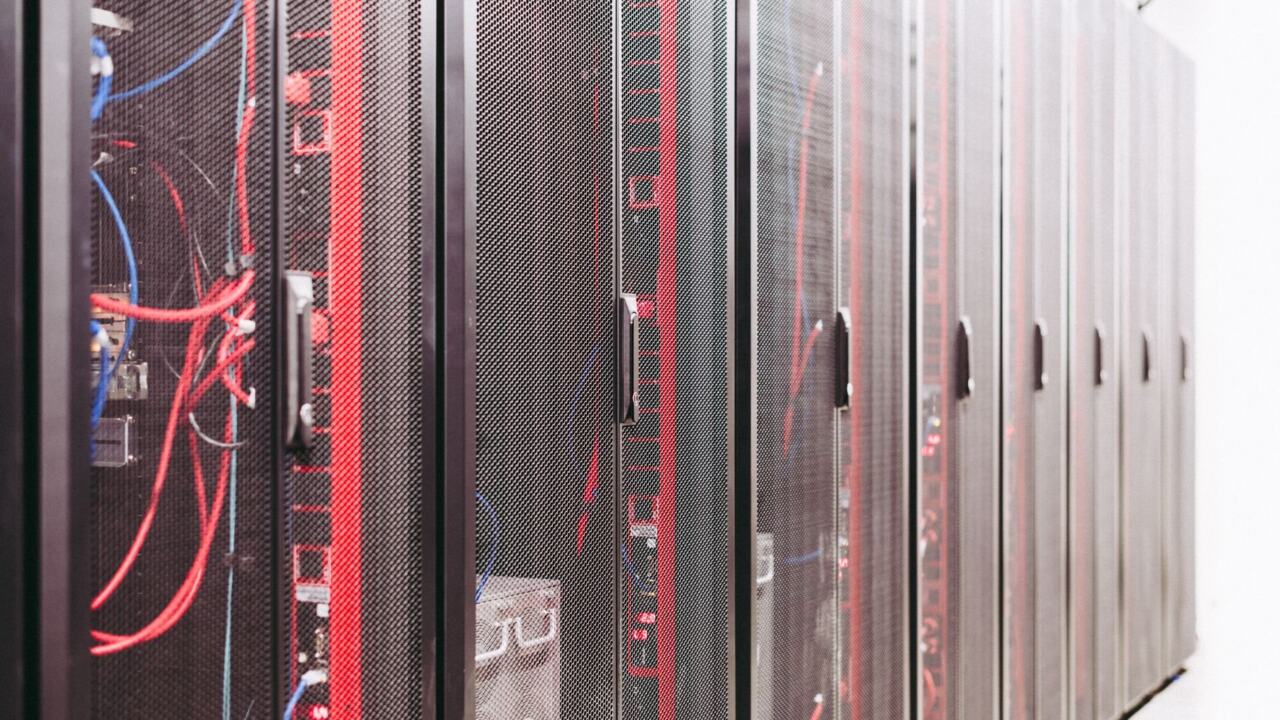
IBM defines a data center as a physical room, building or facility that houses IT infrastructure. That infrastructure is more than servers. AWS lists the supporting systems as power, uninterruptible power supplies, generators, cooling, fire suppression and building security, and each of them has to work for the servers to stay online.
Scale varies widely. IBM notes that hyperscale facilities typically contain at least 5,000 servers and miles of connection equipment. CoreSite’s primer on the data center ecosystem says the largest buildings can support 100 megawatts of capacity. Most hosting customers never deal with a building on that scale. The same questions about power, cooling and security apply whichever size of building hosts your server.
Inside the building, servers sit in racks, and the space they occupy is measured in rack units. If you are planning your own hardware, server rack sizes explained covers how that space is described and what it means for planning.
Power: grid supply, batteries and generators
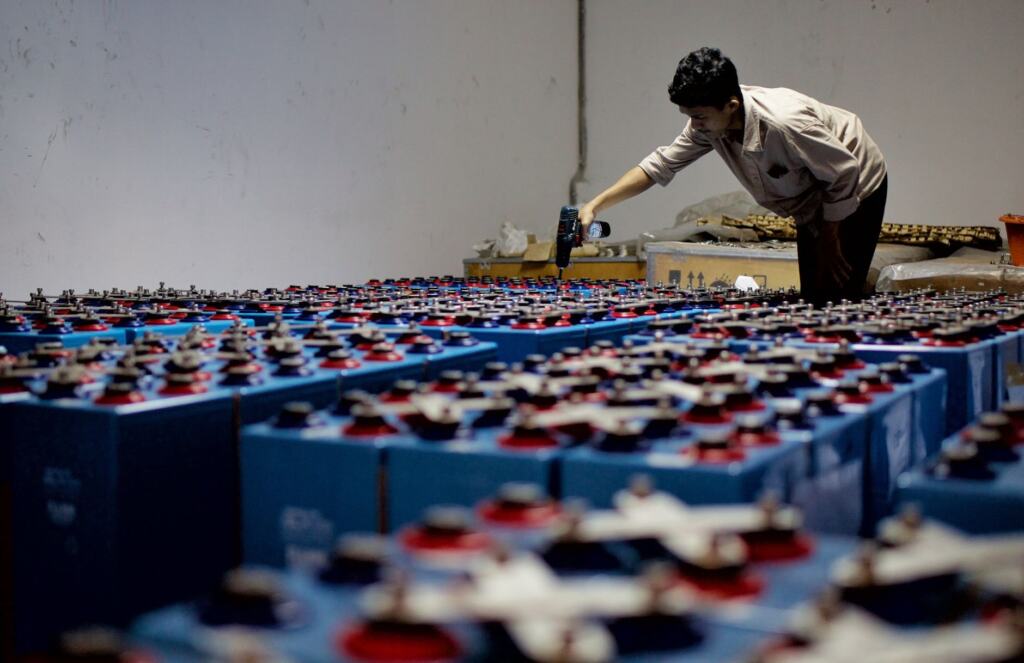
Data center power is layered rather than single-source. Datacenter Asia describes the arrangement as grid supply backed by generators and uninterruptible power supplies with batteries so that operation continues if the utility feed fails. DataBank divides the work between the layers. UPS systems provide backup power during utility outages, while backup generators keep the facility running through a prolonged failure, according to its beginner’s guide to data center concepts.
For a buyer, the lesson is that no single device carries the whole burden. A facility description that names only generators, or only batteries, is incomplete. To follow electricity from the utility connection through to the rack, read how do data centers get power.
Uninterruptible power supply
An uninterruptible power supply is the layer built around batteries. DataBank gives it the job of covering utility outages. When a provider talks about UPS capacity, ask what it protects. The useful question is whether it covers only the servers or also the other equipment the servers depend on to stay online.
The way batteries and generators are paired, and why both are needed, is explained in data center ups and generator backup.
Backup generators
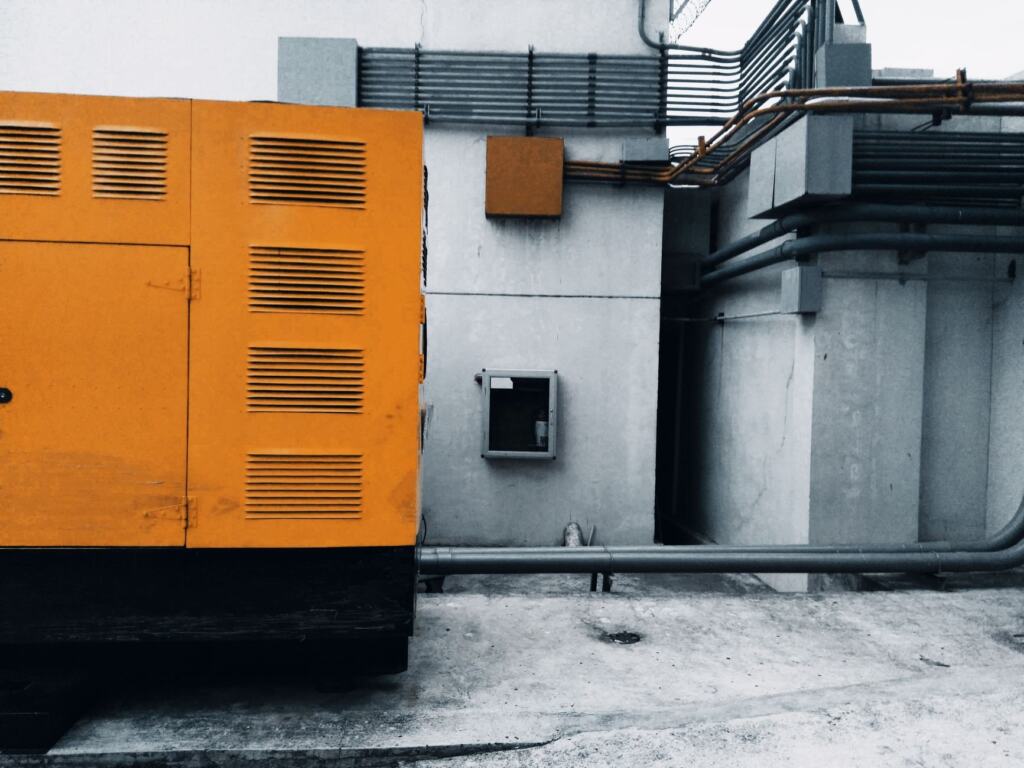
Generators matter when an outage runs long. In DataBank’s description they are what ensures continuous operation once the utility is gone for an extended period. The practical question for a hosting customer is whether the generators are part of the design for the tier the facility claims. The tier descriptions later in this guide turn on how well systems are protected from disruption, and generators are a central part of that protection.
If a provider is vague about its backup power, treat that vagueness as information. Power is the dependency that every other system relies on, so it is the place to press for specifics.
Cooling and humidity control
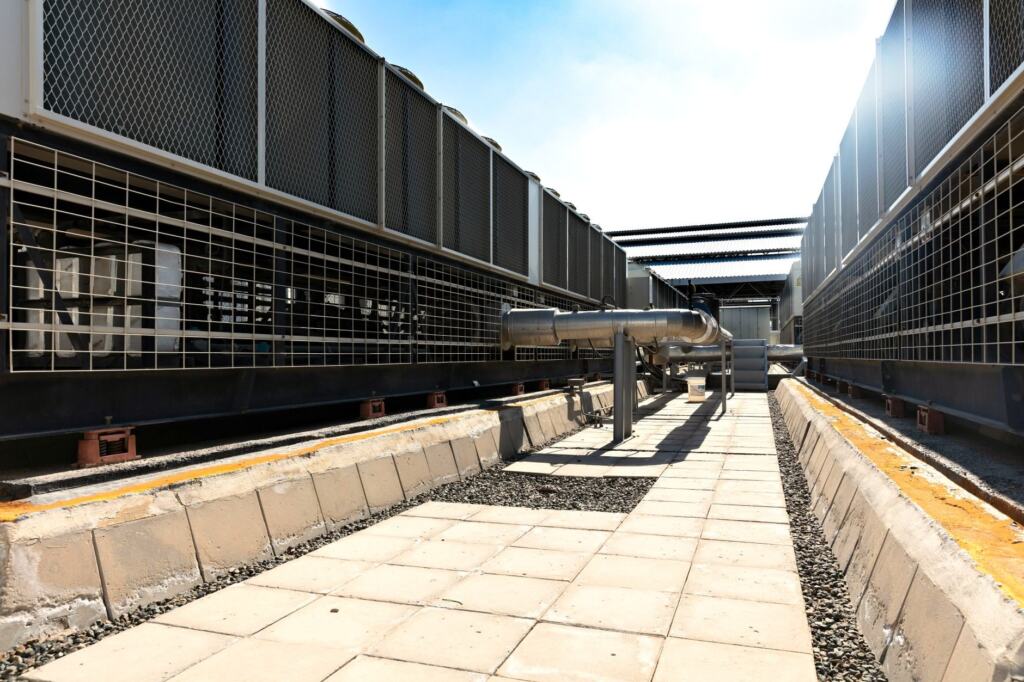
Servers produce heat as they work, and DataBank is blunt about the consequence: data centers need robust cooling systems. Datacenter Asia lists the approaches as air conditioning, liquid cooling, or even outside air. Each has different trade-offs, and how are data centers cooled compares them in detail.
As a buyer you will rarely pick the cooling method yourself. What you can do is ask which approach the facility uses and how it is expected to behave during the hottest part of the year. A provider with a clear answer has usually thought about the problem. A provider that talks only in general terms about being well cooled has not told you much.
Humidity as a second risk
Temperature is only part of the environmental job. DataBank warns that excess moisture can seriously damage equipment, which is why humidity control sits alongside cooling in a facility’s design. When reviewing a building, treat the two as a pair. A provider that talks about temperature but never mentions moisture has covered only part of the environment the hardware lives in.
Efficiency and sustainability
Cooling shares the facility’s power supply with the servers it protects, so operators measure how efficiently a building turns incoming power into useful computing. The most common measure is explained in what is pue in data centers. Efficiency also connects to energy sourcing, which the green data center guide covers for hosting buyers.
Treat efficiency as a secondary criterion unless sustainability is part of your own requirements. A resilient, well-run building should come before an efficient one that fails the downtime test you set at the start.
Network connectivity and location
A powered and cooled server is only useful if traffic can reach it. Inside the building, the meet-me room is where, as CoreSite puts it, content providers can connect with broadband networks. Listings that mention an internet exchange point or meet-me room are describing this interconnection layer. The more networks that reach the building, the more choice you have over how your traffic leaves it.
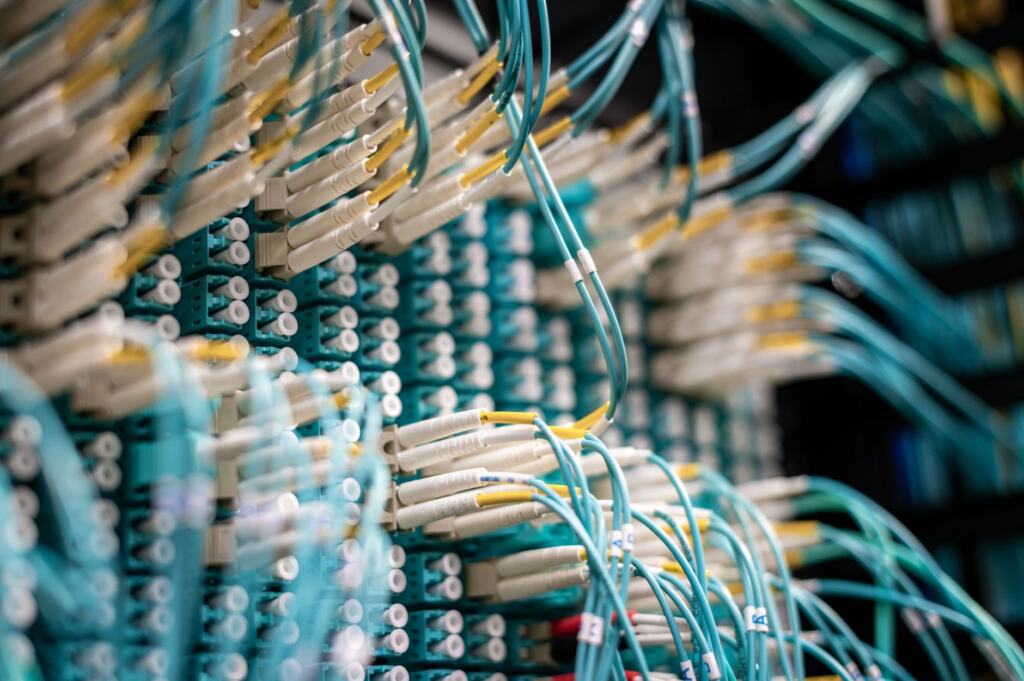
The route from the building to the wider internet is covered in how do data centers connect to the internet. A carrier neutral data center is one where you are not tied to a single network provider, and that guide explains how cross connects work. Inside the hall, the physical links follow standards for data center structured cabling, with a choice between fiber and copper.
How location affects hosting latency
AWS notes that geographic distribution of colocation facilities reduces latency. The practical reading is that a provider with facilities in several regions lets you place your workload nearer to the people using it. If your audience is concentrated in one region, choose a facility in or near that region. If your audience is spread across regions, the footprint of the provider matters more than the specification of any single building.
Location and tier are separate decisions. A highly rated facility far from your users is not a faster home for your site, and a nearby facility with a weak tier rating is not a safer one. Weigh both, and let your audience and your downtime tolerance decide which carries more weight. For workloads that need to sit even closer to users, what is an edge data center explains the smaller, more distributed facilities built for that purpose.
Physical and digital security, and fire protection
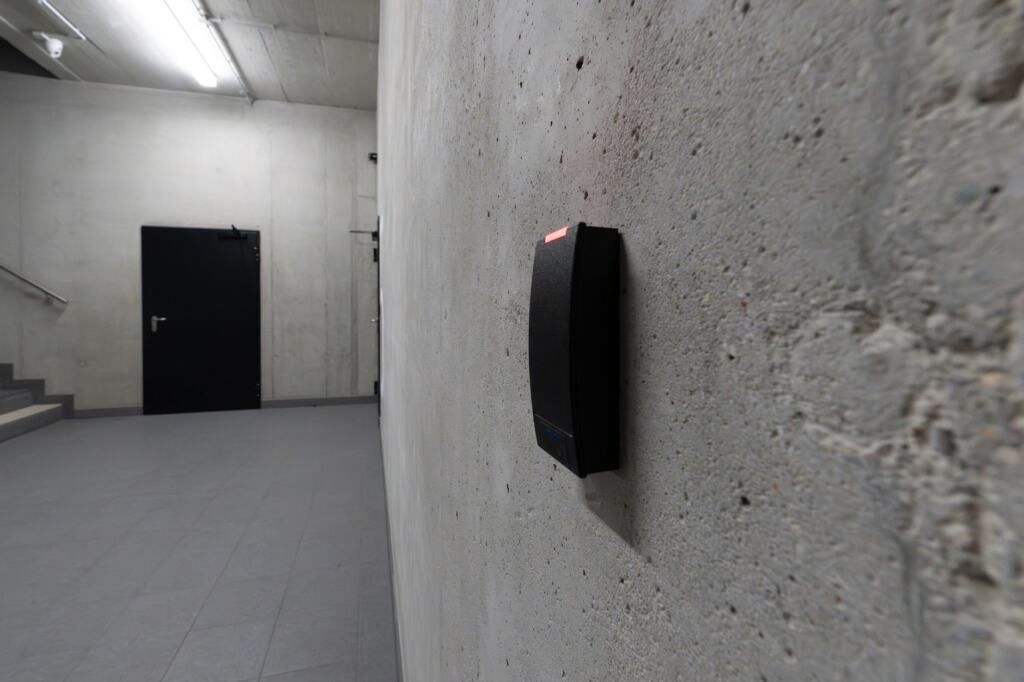
Security is one of the supporting systems AWS names alongside power and cooling. Datacenter Asia describes it as multiple layers, including biometric scanners, security cameras and restricted access zones. The point of layering is that a visitor who passes one control still faces the next. When a provider describes its physical security, listen for several distinct layers rather than a single lock or badge reader.
Digital controls
The building’s security extends beyond doors. DataBank lists access controls, encryption, intrusion detection systems and compliance among the measures data centers use to protect data. Compliance is the item to check against your own obligations. If you handle regulated data, ask which compliance frameworks the facility operates under rather than assuming that strong physical security is enough.
Attacks that arrive over the network are a separate category from intruders at the door. Data center ddos protection explains how protection against traffic floods is handled at the facility level.
Fire suppression
Fire suppression is the final protective system on AWS’s list of data center support infrastructure. Because it guards the whole building, it is easy to overlook in a sales conversation focused on speed and price. Ask what suppression the facility uses and how it is tested. The reasons different facilities choose different approaches are explained in data center fire suppression systems.
Colocation and other ways to use a facility
Colocation is an ownership model, not a type of building. IBM describes it as an arrangement where the client company owns all the infrastructure and leases a dedicated space to host it. CoreSite makes the same point from the building’s side: racks and servers are owned by individual companies and other tenants, not by the facility operator. AWS adds that colocation providers offer fixed monthly costs to house your hardware.
The decision between colocation and a hosting plan comes down to what you want to own and what you want to evaluate.
- Colocation suits teams that want to own their hardware. You buy and maintain the servers, and the facility supplies the space, power, cooling and security. Every point in this guide becomes a direct evaluation question for you, because you choose the building yourself. The what is colocation hosting guide covers the arrangement in more depth.
- A hosting plan suits buyers who would rather not own hardware. The provider chooses the facility, so the useful questions are which data center hosts your server and what tier it holds. You still benefit from reading a facility the way this guide describes, because the provider’s choice of building shapes your uptime.
- A fixed monthly cost suits budgeting. AWS highlights this feature of colocation, and it helps when predictability matters more than flexibility.
Hyperscale describes the size of a facility, while colocation describes who owns the equipment inside. A large hyperscale building and a smaller multi-tenant building can both be used by customers who own their servers, so do not read size as an indicator of the ownership model.
Uptime Institute tiers and what they mean for hosting
AWS explains that the Uptime Institute established four tiers to compare site performance objectively. Separately, the Telecommunications Industry Association (TIA) established four levels covering data center design aspects. The Uptime Institute tier classification is the one hosting providers usually quote. The table sets out the annual downtime AWS associates with each tier, with a judgement on what it means for your decision.
| Tier | Annual downtime | Planning use |
|---|---|---|
| Tier I | 29 hours per year | Protects against service disruption from human error but not against unexpected failure. Suits workloads that can tolerate interruption. |
| Tier II | 22 hours per year | A modest improvement on Tier I. Consider it only where the cost difference to Tier III is the deciding factor. |
| Tier III | 1.6 hours per year | A large step down in expected downtime. The sensible starting point for customer-facing sites. |
| Tier IV | 26 minutes per year | Contains several physically isolated systems to avoid disruption. Worth the premium where an outage is very costly. |
These downtime figures come from AWS’s overview of data centers, which describes what to expect from each tier.
Using the tiers to decide
The biggest gap in the table sits between Tier II and Tier III, where expected annual downtime drops from 22 hours to 1.6 hours. If your site earns money or serves customers, that gap is the one to care about. Tier I and Tier II are reasonable for development environments, internal tools and projects where an afternoon of downtime is an inconvenience rather than a loss.
Tier IV is the right choice when the cost of even a short interruption is high enough to justify the premium. For many sites it is more than the workload needs, and the money may be better spent on a nearer location or a stronger backup plan of your own. Tier IV is not automatically the right answer, because the best tier is the one that matches the cost of your downtime.
A tier describes a facility, not your whole hosting stack. Your provider’s own network and hardware also affect uptime, so a high-tier building is a strong foundation rather than a guarantee. Providers also quote availability percentages. DataBank describes 99.999% as the current industry standard for uptime guarantees, which gives you a benchmark when you read a service agreement. Compare the figure in the agreement with the downtime you can afford, not just with the marketing headline.
Knowing how facilities fail helps you ask better questions, and the causes of data center outages are worth reading before you finalise a shortlist.
Frequently asked questions
Does a higher tier make my hosted site faster?
No. Tiers compare how well a facility tolerates failure, not how quickly it responds. Speed depends more on location and connectivity, since AWS notes that geographic distribution reduces latency.
Is a hyperscale data center the same as colocation?
No. Hyperscale describes the size of a facility, while colocation describes an arrangement in which tenants own the racks and servers and lease the space from the operator.
Is 99.999% availability the same as a tier rating?
No. DataBank cites 99.999% as the industry standard for uptime guarantees, while the Uptime Institute tiers are a way of comparing site performance across facilities. Read both when evaluating a provider, and do not treat one as a substitute for the other.
Which system protects a facility during a short utility outage?
The uninterruptible power supply. DataBank assigns UPS systems the job of covering utility outages, while generators handle longer failures.