Hardware RAID vs software RAID is mostly a question of failure behaviour. Pick a hardware controller with protected cache for steady rebuilds, and pick mdadm or ZFS on a plain host bus adapter when you want to avoid depending on one controller.
The sections below weigh both options on cache protection, controller replacement and array portability. The wider hardware picture is in our dedicated server specs guide.
Hardware RAID and software RAID side by side
| Criterion | Hardware RAID | Software RAID (mdadm) | Planning use |
|---|---|---|---|
| Where RAID runs | A dedicated controller card with its own ASIC, cache and firmware; processing happens independently of the host CPU | The host operating system and CPU, with no dedicated cache or ASIC | Choose hardware if you want RAID work kept off the host. Choose software if you would rather not buy a controller. |
| Write cache | Battery- or supercapacitor-protected write-back cache is a typical feature | No dedicated cache | Cache protection is the main thing a controller adds. |
| Behaviour under load | Stable latency, even during heavy writes and rebuilds | Latency varies with system load; rebuilds depend on OS scheduling | Busy databases and shared hosts feel this difference most. |
| If the RAID component fails | The controller chip is a single, opaque point of dependency, and moving drives can be complicated | Drives can be moved more readily to another compatible system, according to one vendor | Plan a spare controller, or favour software RAID if swapping hardware must be easy. |
| Cost | Controller purchase required | Generally cheaper, because no controller is needed | Software RAID leaves more budget for drives and memory. |
These comparisons draw on Tekram’s hardware versus software RAID comparison and OWC’s explanation of hardware RAID and SoftRAID. Both are vendor sources, so treat their performance language as positioning rather than independent testing.
How each approach is built
Hardware RAID controllers
A hardware RAID setup puts the array logic on a dedicated card. Tekram describes it as a controller with its own ASIC, cache and firmware. OWC adds that the processing happens independently of the computer’s own CPU, so the host does not carry the parity or mirroring work.
That independence has a cost. The operating system sees the array the controller presents rather than the individual disks, and the controller becomes a dependency of every array it manages.
mdadm on Linux
mdadm, often called mdraid, is the standard RAID management utility on Linux, according to Xinnor’s overview of software RAID. Software RAID uses the host’s software stack and CPU instead of a dedicated controller, so the array is defined by the operating system rather than by a card.
Compared with a hardware controller, mdadm gives you transparency and no controller to replace. It gives up dedicated cache and leaves RAID work to the host. Xinnor, which sells a competing software RAID product, claims mdraid struggled to use the potential of NVMe storage because of its older architecture. Treat that as a vendor benchmark claim and test your own NVMe workload before relying on mdadm for it.
Forum advice on Linux servers points the same way for hardware choice: use a good-quality HBA with mdadm. A host bus adapter simply presents the disks to the OS.
ZFS as a software alternative
ZFS is also software RAID, with its own integrity model. Xinnor notes that RAIDZ offers checksums and protection against silent data corruption. That is a different strength from either a hardware controller or plain mdadm, and ZFS suits you if data integrity checking matters more than controller-level cache.
CPU load and performance
Software RAID does use host CPU and memory, but the verified evidence does not show it as a heavy burden. Xinnor claims its xiRAID needs less than 10% CPU even under peak workloads. That is a vendor figure for that product, not a measurement of mdadm, so use it as a reason to benchmark rather than a promise.
The more practical difference is predictability. Tekram says software RAID latency varies with system load, while hardware RAID keeps latency stable during heavy writes. If the same machine runs your application and your array, a CPU-hungry job can slow storage. A dedicated controller isolates the two.
Forum opinion pushes back on the idea that hardware always wins. One Spiceworks contributor argues software RAID can outperform hardware RAID if the software is designed well and given enough resources. Performance alone should not settle the choice, which is why failure handling matters more here.
Cache protection and the RAID battery
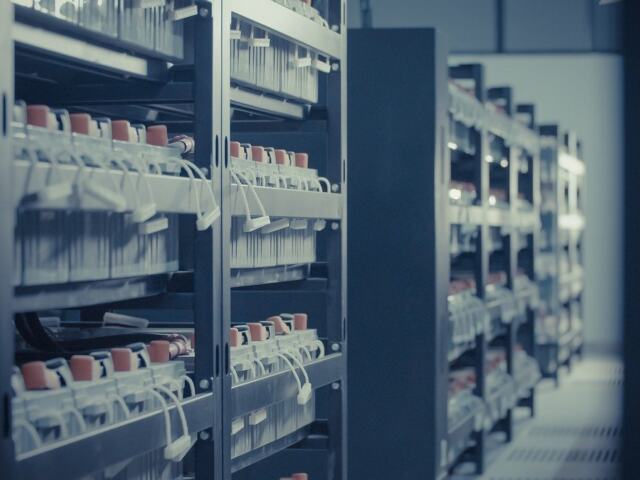
A battery backup unit, or a supercapacitor on newer designs, exists to protect the controller’s write-back cache. Tekram lists battery- or supercap-protected write-back cache as a hardware RAID characteristic, and lists software RAID as having no dedicated cache at all.
Cache sizes vary by controller model, so read the vendor documentation for the exact card. One Spiceworks user describes a card with a built-in BBU and 512MB of cache, which shows the kind of arrangement to look for: cache and protection on the same card.
- Enable write-back only with protection present. The cache is protected by the battery or supercapacitor, so a missing or failed unit is a reason to check the configured cache mode.
- Treat a cache module as part of the controller. It is the part that software RAID cannot replicate, so factor it into the price comparison.
- Do not expect cache protection from mdadm. With no dedicated cache, there is nothing equivalent to protect, and the host’s own memory and storage settings apply.
When a drive or controller fails
Replacing a failed drive
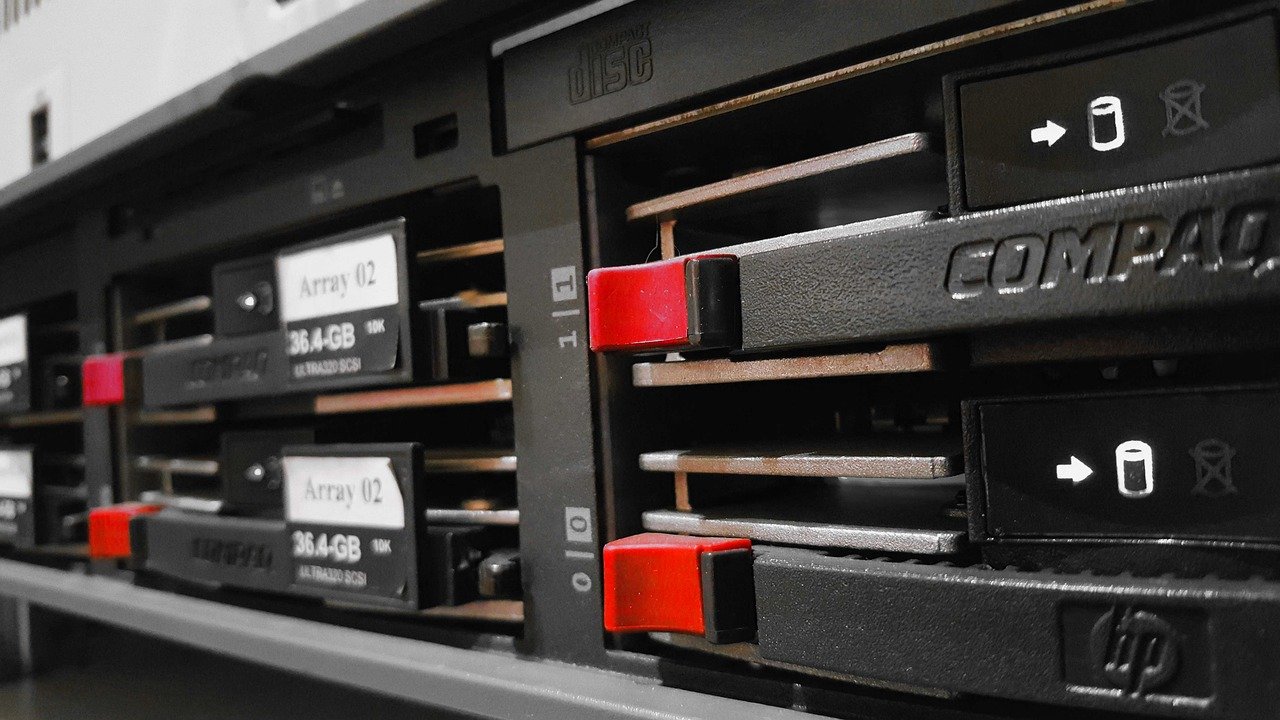
Hardware RAID makes drive replacement simple. A Spiceworks user describes the controller sensing the replacement and kicking off a rebuild automatically. The same thread says the process is more complex with software RAID, where you drive the replacement yourself and rebuilds depend on OS scheduling, as Tekram notes.
Tekram also says software RAID can increase the risk of unrecoverable read errors on HDD arrays. Interpret this cautiously, because it is a vendor claim. It does reinforce choosing a level that survives more than one failure, and OWC notes a RAID 6 volume stays intact and accessible even if two drives fail. Our guide to the best raid level for dedicated server setups covers that decision.
Replacing a failed controller
Controller failure is where the two approaches differ most. OWC calls the hardware RAID controller chip a single, opaque point of dependency, and says some hardware implementations make moving drives to another enclosure more complicated than it should be. By contrast, OWC says drives configured with SoftRAID can be moved more readily to another compatible enclosure. That claim is about OWC’s own product, so confirm how your platform handles foreign arrays before depending on it.
For a hardware build, the safest planning habit is to keep a matching spare controller or confirm in the vendor manual that the array configuration can be imported by a replacement card. For a software build, the main requirement is that the replacement host runs compatible software and sees the disks directly.
Choosing between them
- Choose hardware RAID if you want steady latency during rebuilds, protected write-back cache and a controller that keeps RAID work off the host. It suits a single server where the controller is replaceable and well documented.
- Choose mdadm on an HBA if you run Linux, want arrays that are not tied to one card, and accept that rebuild handling is more hands-on. It is also the cheaper route, since no controller is needed.
- Choose ZFS if checksums and protection against silent corruption matter more than controller cache.
- Avoid mixing roles. A RAID card that cannot pass disks through is a poor base for software RAID, so buy an HBA for that job.
Neither is better in every case. Hardware RAID is the stronger answer when cache protection and hands-off rebuilds matter. Software RAID is the stronger answer when avoiding controller lock-in matters. Once storage is settled, the next spec to examine is often the network, covered in our 1gbps vs 10gbps dedicated server comparison.
Frequently asked questions
Can software RAID outperform hardware RAID?
It can, according to one Spiceworks contributor, if the software RAID is designed well and has enough resources. That is an opinion rather than a benchmark, so test your own workload.
Can I reuse a hardware RAID card for mdadm?
Only if it can pass disks through to the operating system. A user in the same thread reports the LSI 9260-8i cannot, and recommends a good-quality HBA with mdadm instead.
Do all storage platforms favour RAID controllers?
No. A community statement on the Unraid forum says RAID controllers are not recommended there and can cause problems, so check the platform’s own guidance before buying a card.
Is Windows software RAID the same as mdadm?
One forum contributor argues it is not, saying Windows software RAID and Storage Spaces fail the design criteria that mdadm meets. That is an opinion, so compare the options for your own operating system.