Choosing a single socket vs dual socket server comes down to memory, PCIe and NUMA needs, not core counts alone. Pick single-socket for standard hosting workloads, and move to dual-socket only when one CPU’s resources run out.
The scenario is a common one. You are speccing a dedicated server for a busy application and the configurator offers a second CPU for a large price step. Our dedicated server specs guide covers the surrounding components. This page covers the CPU decision itself.
Decision criteria for choosing socket count
Work through these checks in order. If a single socket clears every one of them, it is usually the better buy.
- Workload scaling. Confirm that the application can use more cores. One server vendor’s guide notes that not all workloads gain meaningful benefits from a second CPU, and that a dual-socket build is not about automatically doubling performance.
- Memory capacity. Compare the RAM your workload needs with what one socket can host. According to AMD, a single-socket EPYC server can enable 12 DDR5 channels and up to 24 DIMMs.
- I/O demand. Add up the NVMe drives, network cards and accelerators you plan to attach, then compare that with the lanes available. The same AMD material lists 128 PCIe Gen5 lanes for a single-socket EPYC.
- NUMA tolerance. Decide whether your software, or your team, can handle workload placement across sockets. If not, a single socket removes the problem.
- Power, cooling and licensing. Allow for the extra heat and power of a second CPU, and read your software vendor’s licensing terms so the socket and core count you choose matches how the product is licensed.
What a CPU socket is and what a second one adds
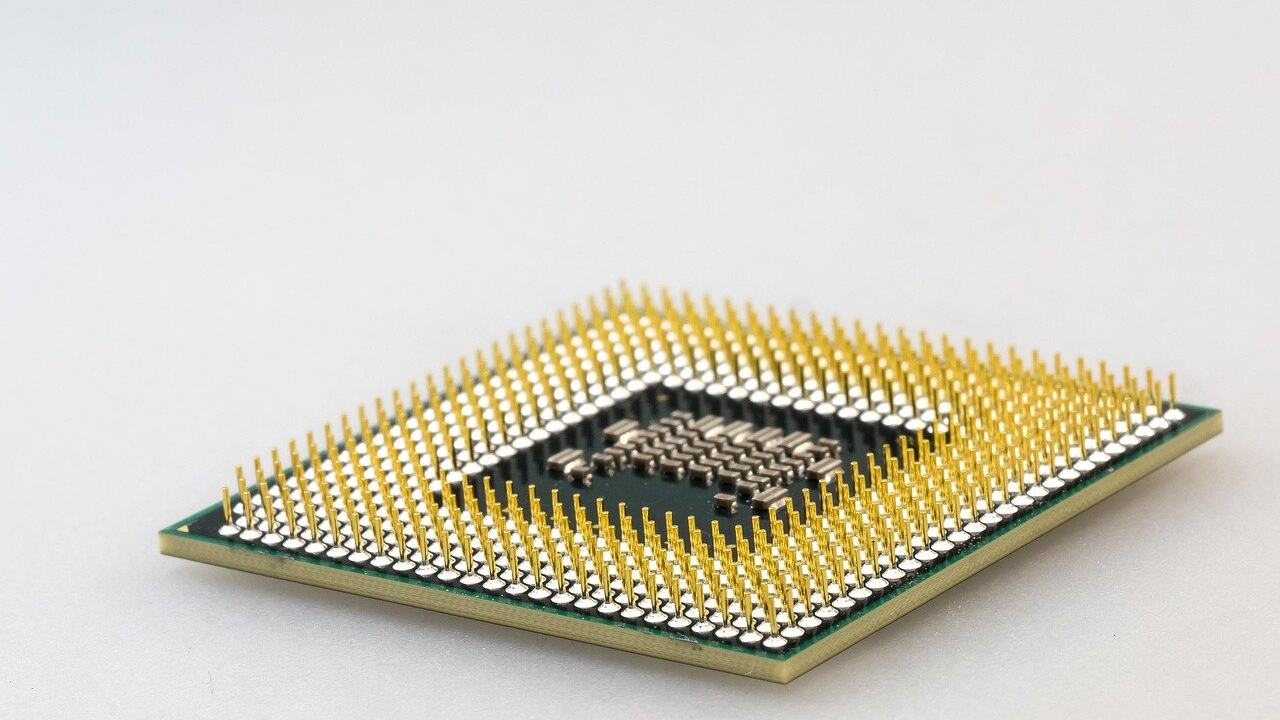
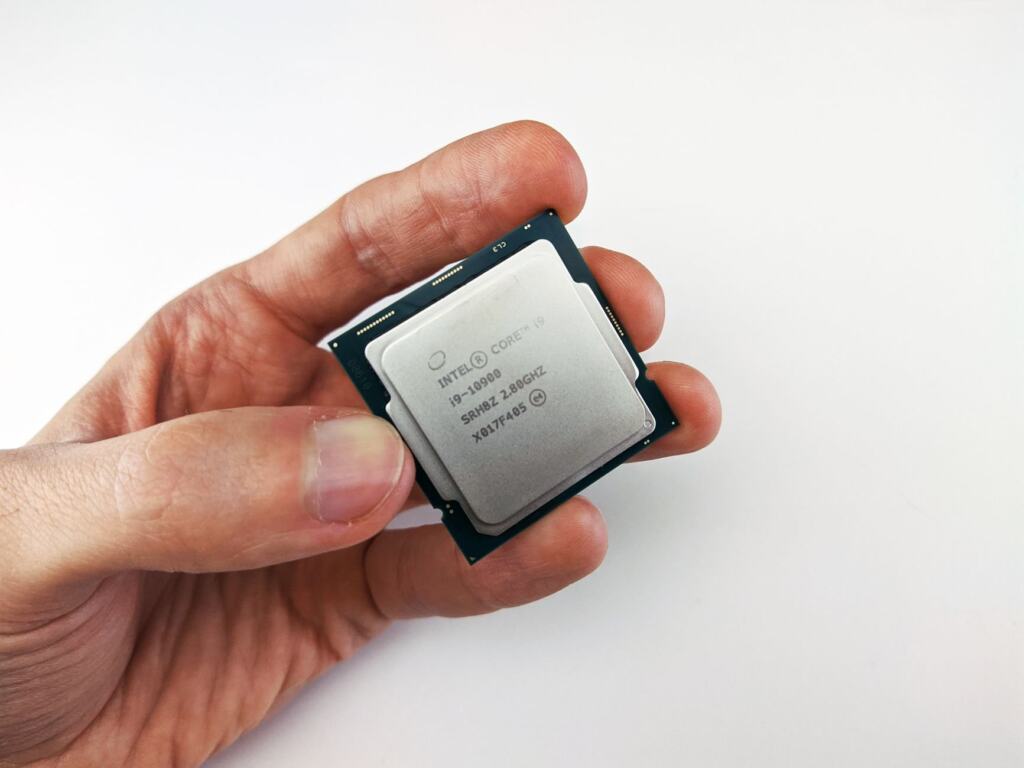
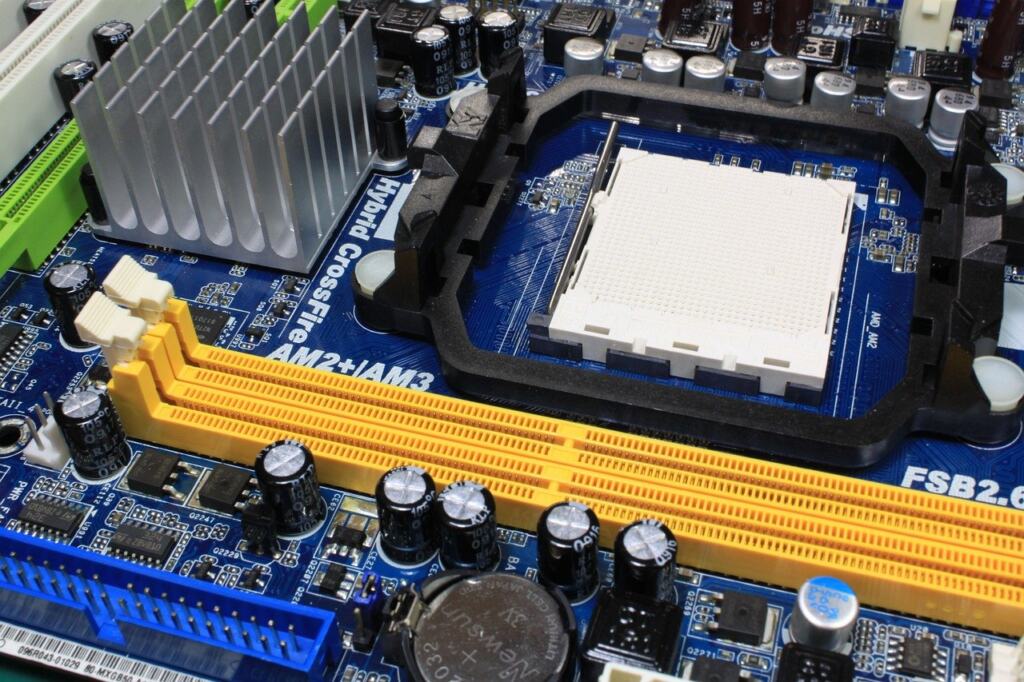
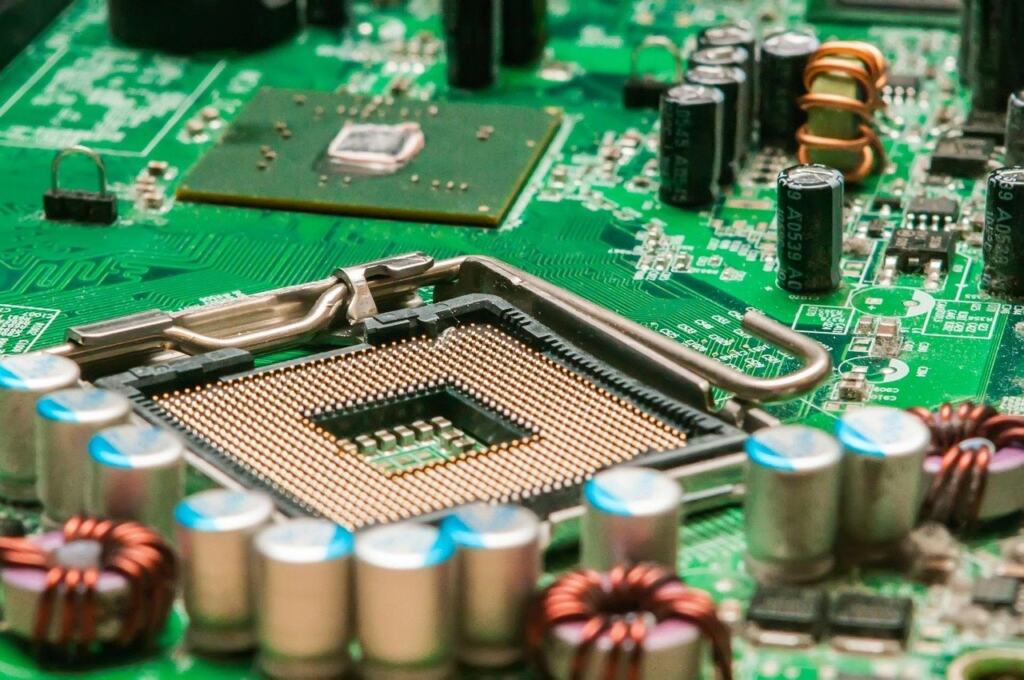
A CPU socket is the physical connector on the motherboard that holds the processor. A dual-socket server, as described by a server vendor, supports two physical CPU sockets on a single motherboard. A single-socket board has just one.
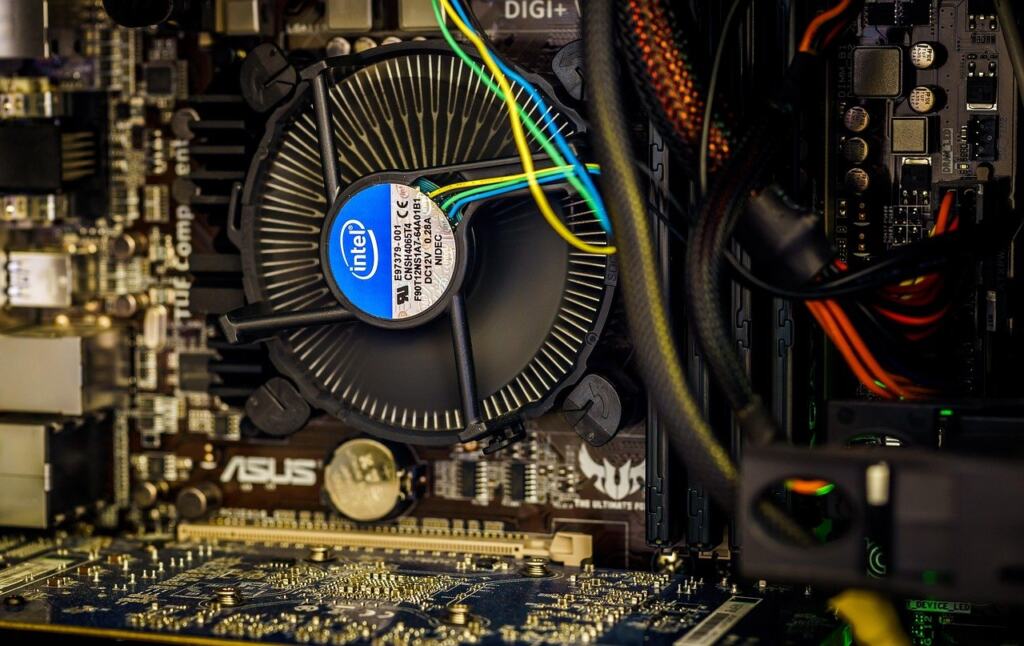
The second socket adds total core count, because cores are summed across the two CPUs, according to a server retailer’s comparison. It also adds heat and power demand. A dual Xeon dedicated server and a dual EPYC server follow the same logic, so the useful question is whether the work needs more than one processor’s resources, not which brand fills the sockets.
NUMA and the inter-socket interconnect
NUMA (non-uniform memory access) means memory access time depends on which processor is asking. In a dual-socket server the processors have to exchange data with each other, and each can reach memory attached to the other socket, as the retailer’s comparison explains. That traffic crosses the inter-socket interconnect, so remote memory access is slower than local access.
This is why a second CPU can disappoint. A process running on one socket but using memory on the other pays inter-socket latency. Fixing it means pinning workloads and their memory to the same socket, which is tuning work a single socket avoids. AMD says that avoiding the dual-socket NUMA complexity makes it easier to deploy and schedule workloads across a fleet, as set out in its dual-socket myths article.
Single-socket is not NUMA-free in every case. The same retailer comparison notes that a single-socket EPYC can present several NUMA nodes, but without inter-socket latencies. Dual-socket systems have both.
Memory channels and PCIe lanes per socket
Memory channels and PCIe lanes belong to the CPU, so they follow the socket. A single-socket EPYC platform offers 12 DDR5 channels, up to 24 DIMMs and 128 PCIe Gen5 lanes, according to AMD. For many hosting builds that is more than the workload will touch.
Core counts have grown too. AMD states that 4th Gen EPYC supports up to 128 cores per socket. The retailer’s comparison lists up to 192 cores and 12 DDR5 channels for the EPYC 9005 series, and up to 128 cores with 12 DDR5 channels for the 9004 series.
In a dual-socket server, memory and devices are spread across both sockets. That is where the NUMA placement question comes from. If the plan involves a lot of NVMe storage, read the nvme dedicated server guide alongside the lane count above before deciding that you need a second CPU for I/O.
Side-by-side comparison
| Criterion | Single-socket | Dual-socket | Planning use |
|---|---|---|---|
| Cores | EPYC 9004 up to 128 cores; EPYC 9005 up to 192 cores | Cores summed across two CPUs | Go dual only when the workload needs more total cores than one chip offers and can use them. |
| Memory | 12 DDR5 channels, up to 24 DIMMs | Memory attached to each socket; the other socket’s memory is reached across the interconnect | Check required RAM against the single-socket ceiling first. |
| PCIe | 128 PCIe Gen5 lanes on EPYC | Devices and memory spread across both sockets | Count drives, NICs and accelerators before assuming you need a second CPU. |
| NUMA | Simpler to deploy and schedule; EPYC may still show several nodes | Inter-socket latencies and placement work | Choose single if nobody will tune placement. |
| Power and heat | Lower | More heat and higher power requirements | Size cooling and power feeds accordingly. |
| Upgrade path | Fixed at one CPU | Can start with one CPU and add a second later | Useful if demand is uncertain. |
Figures come from AMD’s dual-socket myths article and a server retailer’s EPYC versus Xeon comparison.
When a dual-CPU server is worth it
A dual-CPU server is worth it when a single socket’s cores, memory or I/O are the proven bottleneck. AMD says dual-socket servers can be the right choice when companies need maximum performance. That fits workloads that can use every core and a very large memory pool, and that can be placed cleanly across NUMA nodes.
Two CPUs do not double performance. Extra sockets help only workloads that scale across them, and cross-socket traffic adds latency that a single processor never pays. They also add heat and power demand, so factor in the power delivery too. The redundant power supply server guide covers that side of the build.
Dual-socket also suits cases where demand is still growing. A host can start with one CPU and add a second later, per the server vendor’s guidance, which spreads the cost. Confirm with your provider that the board and memory layout support that upgrade.
Is single-socket enough for most hosting workloads?
Yes, for most. AMD says today’s EPYC processors have sufficient cores, memory capacity and I/O to meet most application performance needs, and that single-socket servers are great for standard business applications. Web hosting, databases of moderate size, virtualization hosts and application servers typically fit that description.
A single socket also keeps scheduling simple, since placement across sockets is not a concern. Choose it as the default, and justify a second socket with a measured limit in cores, memory or PCIe lanes.
Frequently asked questions
| Question | Answer |
|---|---|
| Can I add a second CPU later? | On a dual-socket host you can start with one CPU and add a second later. Check that the provider supports the upgrade on that specific board. |
| Does a single-socket server have NUMA? | It can. A single-socket EPYC may present several NUMA nodes, but it has no inter-socket latencies. |
| Will a second CPU help a workload that does not scale across cores? | Not much. Not all workloads gain meaningful benefits from a second CPU, so test scaling before paying for one. |
| What should I check about software licensing? | Read the software vendor’s licensing documentation before ordering, so the socket and core count you pick matches how that product is licensed. |