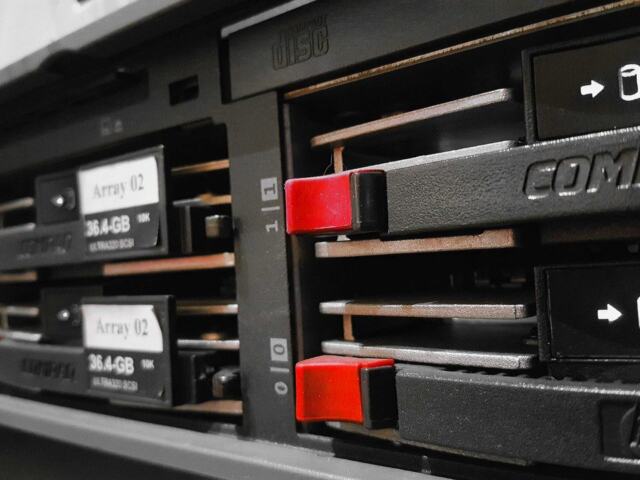
Quick answer: An NVMe dedicated server suits workloads limited by storage speed, but check the drive bays before you order. Form factor, backplane support and hot-swap capability decide which NVMe drives fit and how easily you can replace them.
Drive speed is the easy part of the decision. The harder part is matching the drive to the bay, the backplane and the CPU platform behind it. For the wider hardware picture, see our dedicated server specs guide, then use this page for drive-level setup.
Choosing a drive interface first
Pick the interface from the workload, then confirm the chassis can take it. The wrong order leaves you with fast drives and no bay to put them in.
- Choose NVMe when storage is the bottleneck. NVMe is a storage protocol designed to exploit high-speed PCIe storage devices. It also supports parallel command queues, up to 64K queues. That helps busy databases, virtual machine hosts and anything serving many requests at once.
- Stay with SATA when the workload is light and the bays are SATA-only. A SATA SSD is held back by its interface, so a faster drive inside the same connector will not change the result.
- Consider SAS when the chassis and the host offer it. Vendors list 12Gb/s SAS alongside SATA, NVMe and M.2 as storage server interfaces. SAS suits teams that already standardise on it.
- Mix interfaces only if the backplane allows it. Some bays accept more than one drive type, and others do not. The bay label matters more than the drive’s headline speed.
SATA, SAS and NVMe compared
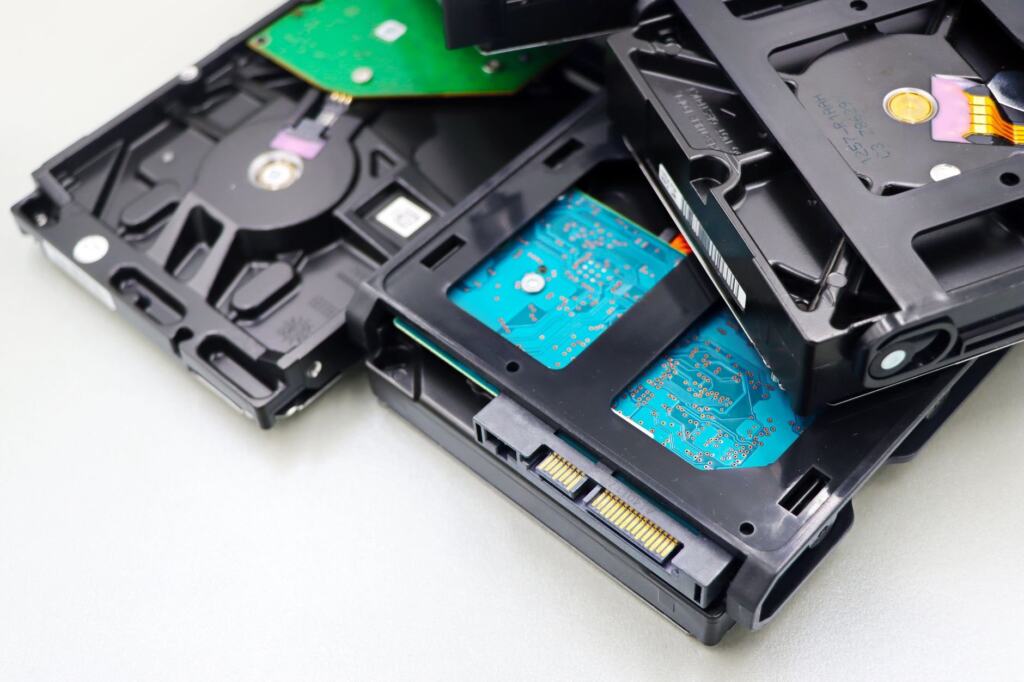
The difference between these drive types is how they connect to the server. NVMe connects directly via PCIe lanes rather than older SATA interfaces, and it reaches the CPU over PCIe. SATA and SAS use their own interfaces, which sets their speed limits.
| Interface | Connection and speed | Planning use |
|---|---|---|
| SATA SSD | SATA interface; read/write speeds cap around 550 MB/s | Fits light workloads, boot drives and budget builds. Do not expect more from a faster drive in the same bay. |
| SAS | Listed by vendors as 12Gb/s SAS; some 1U bays are labelled NVMe/SATA/SAS | Fits chassis where SAS is already in use. Confirm the bay accepts it before ordering. |
| NVMe | Direct PCIe connection to the CPU; speeds start at 3,500 MB/s and reach upwards of 7,000+ MB/s | Fits databases, virtualisation and busy applications. The speed range is wide, so the exact drive model matters. |
Figures come from Colobird’s drive comparison and Broadberry’s NVMe rackmount server specifications.
Another source puts the SATA ceiling at about 600 MB/s. Treat that as the interface limit and the lower figure as typical drive behaviour. The practical point is the same: SATA performance stops at the connector.
On PCIe, the interface is also a ceiling to read carefully. Intel’s PCIe NVMe drive family was announced with a PCIe 3.0 x4 interface rated at 4 GB/s. That figure describes the link, not every drive, so ask the host for the exact model rather than judging by the interface name.
NVMe form factors and drive bays
NVMe is a protocol, not a shape, so the same interface comes in several physical formats. The format decides where the drive sits and whether you can service it from the front.
- 2.5-inch front-bay drives. Intel’s NVMe PCIe drives use a 2.5-inch SFF-8639 form factor for hot-swappable front panel serviceability. This is the format to prefer if you expect to replace drives without opening the chassis.
- 2.5-inch, 3.5-inch and E1.S bays. Vendor storage configurations list 2.5-inch, 3.5-inch and E1.S bay options. Compare the bay size against the drive format before you commit.
- M.2 drives. M.2 appears in the same vendor spec lists as its own drive interface, next to SATA, SAS and NVMe. Check the spec sheet for where M.2 slots sit and whether they can be reached without taking the server apart. Do not assume they are serviced like front-bay drives.
A sensible split for many builds is a small, simple boot device plus NVMe data drives in front bays. That keeps the drives you swap most often reachable and leaves the operating system on something you rarely touch.
Hot-swap bays and backplanes
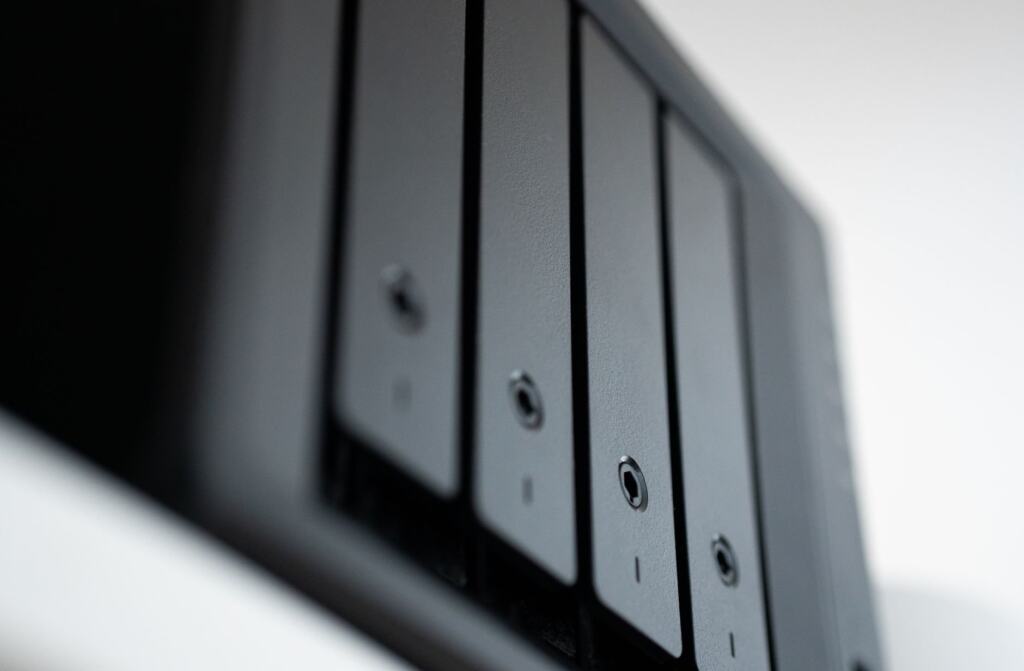
Yes, NVMe drives can be hot swapped, but only in bays and a backplane built for it. The drive format alone does not give you hot swap. The backplane connects each bay to the rest of the server, so it decides which drive types a bay accepts.
Reading the bay label
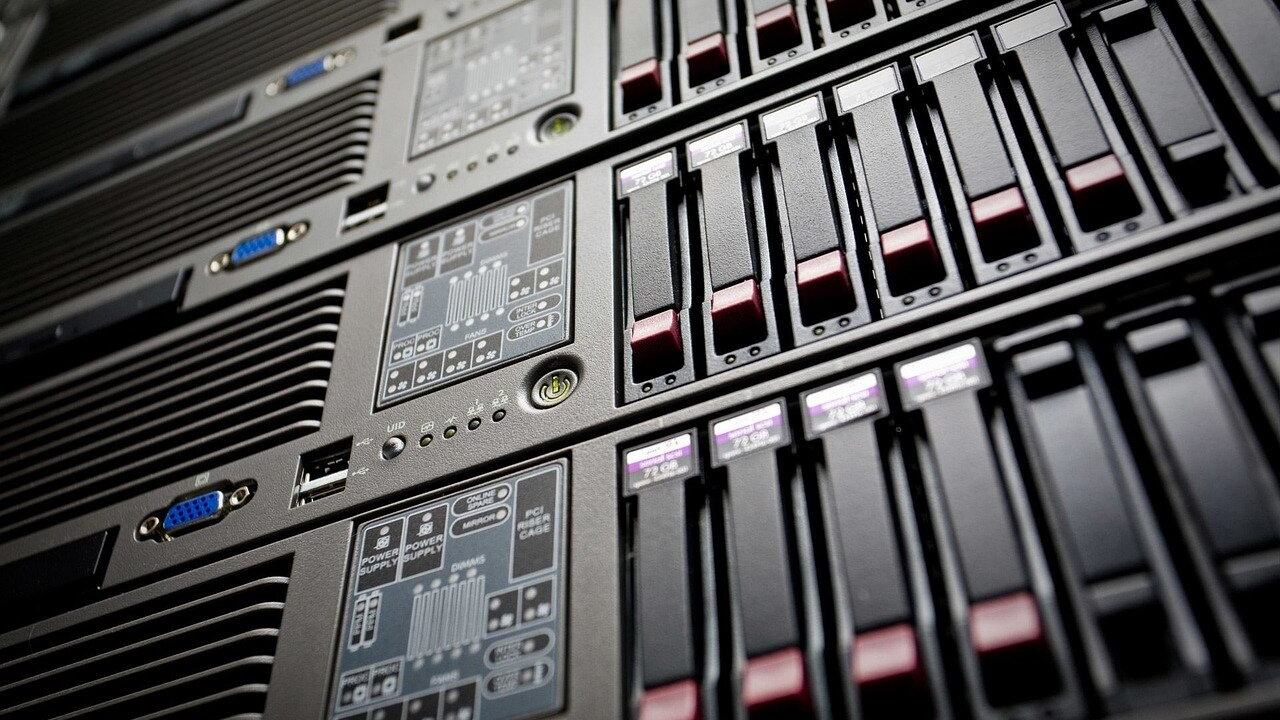
Vendor listings show how specific the labels are. One 1U model has 10x 2.5″ NVMe/SATA hot-swappable bays. Another 1U model has 4x 3.5″/2.5″ NVMe/SATA/SAS hot-swappable bays.
- NVMe/SATA bays take either drive type. They give you room to start with SATA and move to NVMe later, so they suit a staged upgrade.
- NVMe/SATA/SAS bays are the most flexible. They suit a mixed estate where you want one spare-drive pool across several servers.
- Larger bay counts favour storage-heavy roles. Fewer, larger bays suit builds where capacity matters more than the number of drives.
Why the CPU platform matters
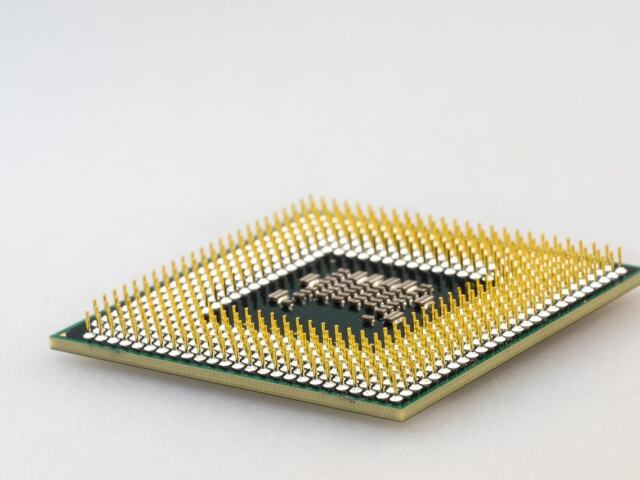
NVMe drives connect directly to the CPU via the PCIe interface. So the CPU platform is part of the storage design. If you are weighing CPU layouts alongside drive count, our comparison of single socket vs dual socket server designs is worth reading first. The board behind the backplane matters as well, and server motherboard vs desktop motherboard differences explain what a server board adds.
NVMe RAID options
RAID on NVMe is a platform question as much as a drive question, because the drives attach straight to the CPU over PCIe rather than through a traditional storage controller. Ask the host how RAID is provided before you plan around it.
- Mirroring for the system and critical data. A mirrored pair of NVMe drives keeps a server running if one drive fails. It suits boot volumes and small, important datasets.
- Striping for speed. Combining drives for throughput suits scratch space and rebuildable data. A failure in a striped set can mean losing the whole set, so use it only where the data can be recreated.
- Parity or mixed layouts for larger arrays. These need more bays and more planning. Check that the backplane supports the number of NVMe drives the layout needs.
Whichever level you choose, check that failed drives can be replaced from the front in hot-swap bays. RAID protects against drive failure, not deletion or corruption, so keep separate backups.
Reading NVMe endurance ratings
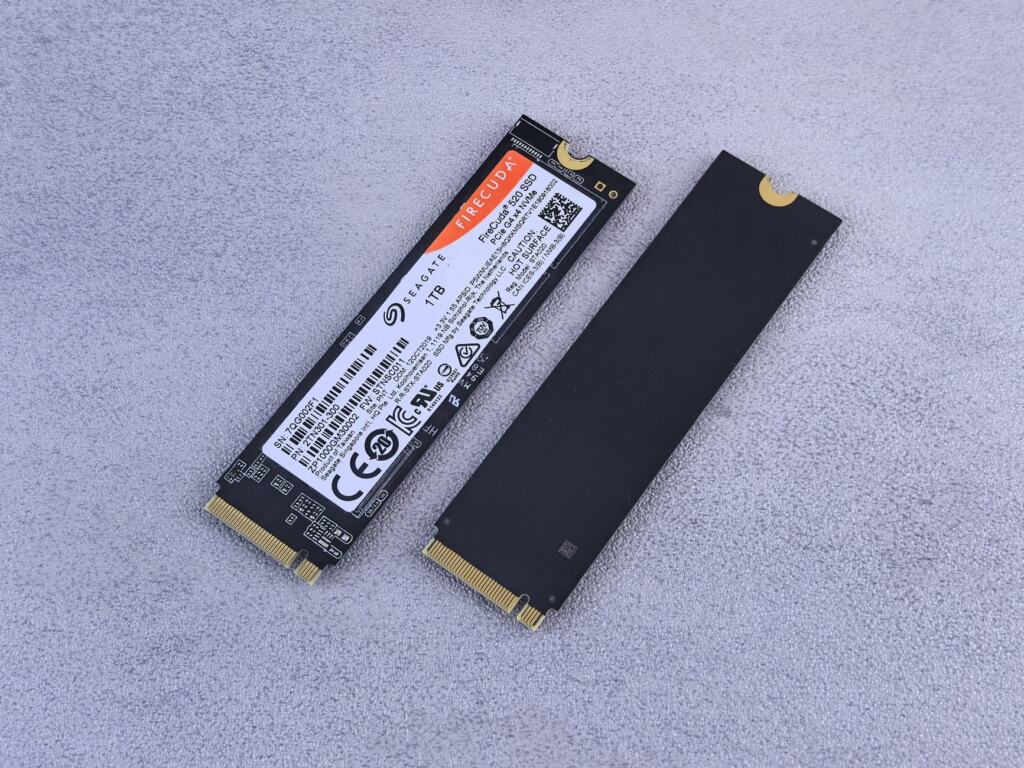
Endurance tells you how much data a drive is rated to absorb over its life. Enterprise NVMe drives usually state it on the label or datasheet, often as drive writes per day (DWPD) alongside the capacity.
- Match endurance to write volume. Write-heavy roles such as busy databases, logging and caching need a higher rating than a mostly-read web server.
- Do not buy on speed alone. A drive that reads quickly can still have a modest endurance rating. Read both numbers on the datasheet.
- Ask for the exact model. Hosts often describe drives only as NVMe. The model name lets you check the rating yourself.
If your write volume is unknown, favour a drive with more endurance headroom, or monitor wear after launch and plan to swap early. Hot-swap bays make the second option cheap.
Setup checklist before you order
- List the workload. Decide whether it is read-heavy or write-heavy and whether storage speed is the limit.
- Confirm bay labels. Look for NVMe in the bay description, not just a high bay count.
- Match the form factor. Check the bay size against the drive format, whether 2.5-inch, 3.5-inch, E1.S or M.2.
- Ask about RAID. Find out who provides it and how a failed drive is replaced.
- Request exact drive models. Check the capacity and endurance rating on the datasheet.
- Plan spare capacity. Leave empty hot-swap bays where you expect to grow.
Troubleshooting drive problems
- The drive is not detected. Check that the bay is labelled for NVMe. A SATA-only bay will not take an NVMe drive, even if the carrier fits.
- Speeds sit near the SATA cap. Throughput close to 550 MB/s suggests the drive is running on a SATA path rather than NVMe.
- Speeds are lower than the datasheet figure. The advertised range runs from 3,500 MB/s to upwards of 7,000+ MB/s, so compare against your own model. An older PCIe link, such as the PCIe 3.0 x4 interface rated at 4 GB/s, can also set a lower ceiling.
- A replacement drive will not come online in a RAID set. Confirm with the host how the array rebuilds. Do not pull further drives from a degraded set.
Frequently asked questions
Do NVMe drives support hot swap?
Yes, in bays built for it. Intel’s 2.5-inch SFF-8639 NVMe drives were designed for hot-swappable front panel serviceability, and vendors list NVMe/SATA hot-swappable bays. Confirm the bay label first.
What is the difference between SATA, SAS and NVMe drives?
The difference is the interface. SATA SSDs cap around 550 MB/s, SAS is listed by vendors as 12Gb/s, and NVMe connects directly over PCIe with speeds from 3,500 MB/s to upwards of 7,000+ MB/s.
Can a SATA drive go in an NVMe bay?
Only if the bay says so. Vendor bays labelled NVMe/SATA accept both. Bays labelled NVMe/SATA/SAS accept all three. A bay without that label may not.
Why does NVMe handle busy workloads better?
NVMe handles up to 64K parallel command queues, so many requests can be in flight at the same time.