

| Factor | VPS | Dedicated server | Planning use |
|---|---|---|---|
| Hardware | A partitioned slice of a physical server shared with other users | A whole physical machine, isolated from other customers | Decide first whether sharing a host is acceptable for your workload. |
| Typical monthly price | $20–$90/month | $70–$1,000/month | The ranges overlap, so price alone rarely settles the choice. |
| Typical CPU and RAM | 2–8 vCPUs; 4GB to 32GB RAM | 6–12 physical cores; 16GB to 128GB RAM | Compare virtual allocations with physical cores before judging size. |
| Uptime guarantee | Read the provider’s SLA terms | A 100% uptime guarantee is advertised by DreamHost | Check what each guarantee actually covers, not only the headline figure. |
Figures come from InMotion Hosting’s plan comparison and DreamHost’s VPS versus dedicated guide; they are provider-specific ranges, not industry-wide rules.
Choosing between vps vs dedicated server hosting comes down to sharing: a VPS gives you a virtual slice of a shared physical host, while a dedicated server gives you the whole machine. Pick the slice until workload, isolation or control demands the machine.
For a decision-focused walkthrough, see our guide to vps vs dedicated server. The sections below cover the hardware, pricing, bandwidth, uptime and management facts that feed that decision, from the smallest virtual plan to a full physical server.
How a VPS and a dedicated server differ
A virtual private server (VPS) is a virtualized server that runs on a shared physical host, and a dedicated server is a physical machine reserved for one customer. Atlantic.net describes a VPS as providing virtualized, scalable resource instances on a shared host, while its dedicated servers are private, physical machines. Price, isolation, control and scaling all follow from that single split between a shared host and a whole machine.
The VPS model: a partitioned slice
DreamHost points out that, like shared plans, VPS hosting involves sharing a physical server. The difference from a basic shared plan is how the sharing works. According to AWS, each VPS environment has its own dedicated resources, such as RAM and CPU, and a software layer called a hypervisor creates, manages and allocates resources for each virtual machine.
The hypervisor is the component that turns one physical host into several independent servers, so it is worth knowing which virtualization technology a provider runs. Our kvm vs openvz comparison sets the main types side by side, and what is a vps explains the mechanics from the beginning.
AWS also states that a VPS is suitable for small and medium businesses to launch business applications and websites. That is a useful starting assumption: if your project fits that description, a VPS is the natural first stop rather than a physical server.
The dedicated model: the whole machine
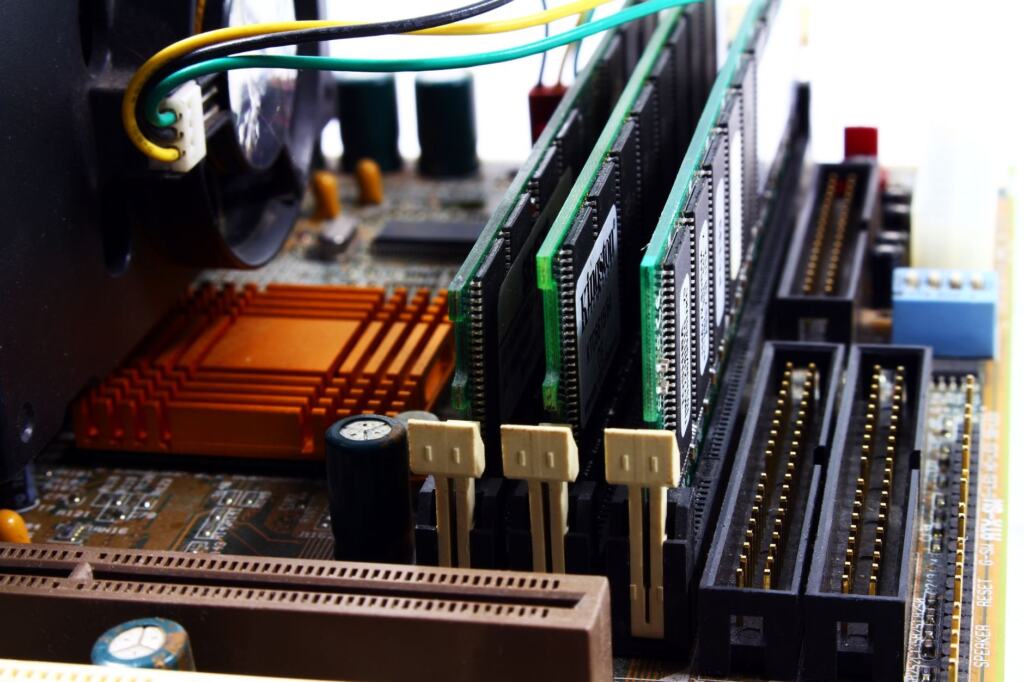
On a dedicated server there is no hypervisor dividing the hardware among customers. AWS says that with dedicated servers you can directly control all of the hardware configurations, and OVHcloud describes the customer as being in control of the machine’s configuration and administration, including the operating system it runs on. Atlantic.net adds that each private, physical dedicated server comes with full root access.
That control has a physical side. Atlantic.net notes that scaling a dedicated server often requires a technician to physically install more RAM or drives. The practical consequence is that you should choose a dedicated configuration with its growth in mind. Our guide to what is a dedicated server covers the concept in more depth.

Isolation and control
Atlantic.net frames the isolation difference as physical versus logical: physical isolation reduces shared-hardware exposure. A VPS is separated from its neighbours by software, while a dedicated server is separated by being the only tenant on the hardware.
If your workload has strict isolation requirements, physical isolation is the attribute to weigh most heavily. If it does not, the VPS’s logical separation, combined with its dedicated RAM and CPU allocation, is usually enough to start with. Control follows a similar pattern. A dedicated server hands you the hardware configuration and the operating system, whereas a VPS hands you the operating system inside the slice that the provider has defined.
Hardware specifications by plan tier
VPS plans are sold as defined bundles of virtual CPU, RAM and storage, and published tiers show where the ranges sit. The two providers below illustrate typical tiers, not a standard, so treat them as a way to calibrate what a plan name means in practice.
CPU and RAM
OVHcloud’s entry VPS tier offers 2 vCores and 4 GB RAM, and its top VPS tier offers 8 vCores and 24 GB RAM. DreamHost’s VPS range runs from 2–8 vCPUs and 4GB to 32GB RAM, while its dedicated range runs from 6–12 physical cores (12–24 threads) and 16GB to 128GB RAM, according to DreamHost’s comparison.
Two decisions follow from those figures. First, the ranges overlap: DreamHost’s smallest dedicated server has less RAM than its largest VPS. A bigger spec sheet is therefore not, by itself, a reason to leave a VPS. Second, a vCPU is a virtual allocation, while the dedicated figures count physical cores and their threads, so the numbers describe different things and should not be compared one for one.

Storage
Storage is the third line on every plan. OVHcloud’s entry tier includes 40 GB SSD, and its top tier includes 200 GB SSD NVMe. DreamHost lists 75GB to 450GB NVMe SSD for VPS plans and 480GB to 1,920GB SSD for dedicated servers.
Watch the drive type as well as the capacity. The top tiers named above use NVMe SSD, and the dedicated range is listed as SSD. If your project stores a large volume of data, the dedicated storage range gives more headroom, but capacity alone should not drive the move to dedicated hardware.
| Plan tier | CPU | RAM | Storage | Planning use |
|---|---|---|---|---|
| OVHcloud entry VPS | 2 vCores | 4 GB | 40 GB SSD | A small starting point for a modest site or application. |
| OVHcloud top VPS | 8 vCores | 24 GB | 200 GB SSD NVMe | Shows how far a VPS can scale before a physical server is needed. |
| DreamHost VPS range | 2–8 vCPUs | 4GB to 32GB | 75GB to 450GB NVMe SSD | Pick the tier that fits current load, then upgrade as needed. |
| DreamHost dedicated range | 6–12 physical cores (12–24 threads) | 16GB to 128GB | 480GB to 1,920GB SSD | Consider when you need the whole machine, not only more resources. |
Specifications are drawn from OVHcloud’s VPS and dedicated server page and DreamHost’s VPS versus dedicated guide.
Pricing from entry VPS to high-end dedicated
Costs rise from VPS to dedicated, but the ranges overlap. InMotion Hosting lists shared hosting at $5–$20/month, VPS at $20–$90/month and dedicated hosting at $70–$1,000/month, and it calls dedicated hosting the most expensive hosting plan option. The width of the dedicated range shows that a physical server is not a single price point. The configuration you choose moves the bill a great deal.
What entry pricing looks like
Provider price pages can sit well below those ranges at the bottom end. OVHcloud shows VPS plans starting at $4.54/month for the 2 vCores, 4 GB RAM and 40 GB SSD tier, rising to $23.37/month for the 8 vCores, 24 GB RAM and 200 GB SSD NVMe tier.
Read those figures as two different kinds of evidence. The InMotion ranges describe a typical spread across plan types, and the OVHcloud prices describe one provider’s entry and top VPS tiers. Neither is a quote for your workload, so compare like-for-like specifications on the provider’s own price page before drawing conclusions.
How to weigh cost against need
Because the VPS and dedicated ranges overlap, the cheapest dedicated plan can cost about as much as an upper-tier VPS. At that point, the deciding questions are not price but isolation, hardware control and the level of administration you want to take on. Shared plans, where everyone shares the same CPU, RAM and storage pool, sit below both. Our shared hosting vs vps comparison explains when stepping up from a shared plan is justified.
For the dedicated end of the scale, a dedicated plan’s price is shaped by its hardware tier and by whether it is managed. Our breakdown of how much does a dedicated server cost covers that range in detail.
Bandwidth and network terms
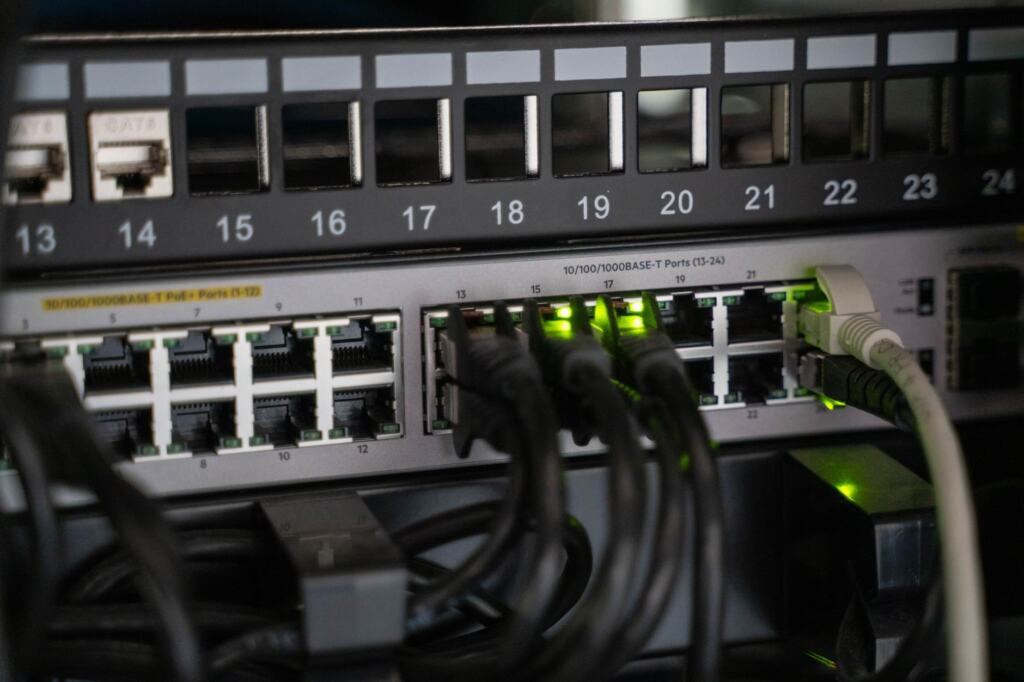
Bandwidth is the network capacity that connects your server to its visitors, and plans state it in two separate ways: a speed ceiling and a traffic allowance. OVHcloud’s VPS plans are described as having unlimited traffic and a bandwidth of up to 3 Gbps, and its dedicated servers are described as having public bandwidth with unlimited ingress and egress traffic for controlled billing.
Read the two terms separately. The 3 Gbps figure is an upper limit on speed, written as “up to”, so it is a ceiling and not a guaranteed rate. “Unlimited traffic” describes the volume of data you can transfer. A plan can promise one without the other, so confirm both on the plan page.
The dedicated wording also signals why bandwidth belongs in a cost comparison. Unlimited ingress and egress on public bandwidth is described as being for controlled billing, so the expense of traffic is predictable rather than a surprise at the end of the month.
If your site serves large downloads, streams media or expects traffic spikes, the traffic terms deserve as much attention as CPU and RAM. For a smaller site, the unlimited-traffic wording matters more than the speed ceiling, because the ceiling is rarely the first limit you will approach.
Uptime guarantees and SLAs
Providers state uptime in a service level agreement (SLA), and the headline percentage varies. OVHcloud lists a service level agreement of up to 99.99% for its dedicated servers, and DreamHost advertises physical isolation, DDoS protection and a 100% uptime guarantee on its dedicated servers.
Note the wording. “Up to 99.99%” is a ceiling, and the figure that applies to your plan depends on the plan and the SLA text. A “100% uptime guarantee” is a commitment from a particular provider, and its value depends on what the provider offers if it is missed. Neither figure is a promise that a server will never be unavailable.
When you compare providers, read the SLA document itself and look for what the percentage covers, how it is measured and what remedy applies. Two providers can print similar headline numbers and still differ in what those numbers commit them to. Treat the SLA as one input beside bandwidth terms and management level, and keep it in proportion: a strong guarantee does not replace sensible backups and monitoring of your own.
Managed and unmanaged server hosting
Managed hosting means the provider does the administration, and unmanaged hosting means you do. DreamHost explains that with managed hosting the provider handles server administration, maintenance, and security. With unmanaged hosting you get root access to the server and handle the administration yourself, including operating system updates and patching.

Root access and what it implies
Root access is the practical sign of an unmanaged setup. OVHcloud says the customer controls the machine’s configuration and administration and the operating system it runs on, and Atlantic.net says each physical dedicated server comes with full root access. That freedom lets you install what you need and tune the system, and it also makes you responsible for what happens on it.
Choosing between the two
- Choose managed if you want the provider to handle administration, maintenance and security, and your time is better spent on the site or application itself.
- Choose unmanaged if you are comfortable with operating system updates and patching, and you want root access and full control of configuration.
The choice applies on both platforms, though the consequences differ. Our guide to managed vs unmanaged vps covers the virtual case, and managed vs unmanaged dedicated server covers the physical one. If you choose an unmanaged VPS, how to set up a vps walks through first-time configuration, and how to secure a vps covers the protection that falls to you.
When to move from a VPS to a dedicated server
A site should move from a VPS to a dedicated server when its needs outgrow a shared host. OVHcloud frames the path plainly: start small, and once the project is mature and growing quickly, you can migrate it to a dedicated server. The migration is a step you take when the project demands it, not a starting position.
Scaling behaves differently on each side, and that matters for the timing. Atlantic.net says you can upgrade your VPS resources in seconds with a simple dashboard click, while scaling a dedicated server often requires a technician to physically install more RAM or drives. A VPS gives you room to adjust while you learn what the project needs, and a dedicated server rewards knowing that already.
Signs a VPS is still the right place
- The project is still finding its size. Dashboard upgrades let you add resources as demand shows itself, without hardware work.
- The profile fits a small or medium business. AWS describes a VPS as suitable for small and medium businesses launching business applications and websites.
- The upper VPS tiers still have headroom. The published top tiers go well beyond entry specifications, so a larger VPS may solve a resource problem without changing platform.
Signs it is time to move
- Isolation is the requirement. If shared-hardware exposure is the concern, physical isolation is the attribute a dedicated server provides.
- You need hardware-level control. Direct control of all hardware configurations is a dedicated-server feature, as AWS states.
- The project is mature and growing quickly. This is the condition OVHcloud attaches to migrating.
Moving earlier than these signs adds cost and administration without a matching gain, as the overlapping price and specification ranges above show. Moving much later risks stretching a VPS beyond what suits the workload. Our guide on how to choose a dedicated server picks up from the point where you have decided to move.
Neighbouring options to rule out first
A VPS and a dedicated server are not the only choices on a hosting shortlist. A basic shared plan sits below both, and cloud servers sit alongside them. Each has its own trade-offs, and ruling them in or out early keeps the comparison focused.

If cost is the main driver and the workload is light, step back and compare a VPS with a shared plan using shared hosting vs vps. If you are considering a flexible cloud platform, cloud hosting vs vps sets the two against each other, and dedicated server vs cloud server does the same for the physical alternative.
If your project is a specific application, the use case may narrow the choice faster than a general comparison. For a content site, vps hosting for wordpress covers that case, and what is a vps used for surveys the wider range of workloads a VPS handles. Settle those questions first, and the VPS-versus-dedicated decision usually reduces to isolation, hardware control, administration and price.
Frequently asked questions
What is the main difference between VPS hosting and dedicated server hosting?
A VPS is a virtualized slice of a physical server shared with other users, with its own allocation of RAM and CPU. A dedicated server is a whole physical machine reserved for one customer.
How much do entry plans cost?
OVHcloud lists VPS plans from $4.54/month. InMotion Hosting gives typical ranges of $20–$90/month for VPS and $70–$1,000/month for dedicated hosting. Compare matching specifications on each provider’s own price page.
Does a VPS get its own resources?
Yes. AWS says each VPS environment has its own dedicated resources, such as RAM and CPU, allocated by a hypervisor on a shared physical host.
What does unmanaged hosting involve?
Unmanaged plans put root access in your hands, and keeping the operating system current with updates and patches falls to you. Under a managed arrangement, the host takes on the day-to-day running and protection of the machine.